
MOBILE APP
Get the KOLOTH TRADERS app
Scan the code to put our products, quotes and WhatsApp trade desk on your phone's home screen — on both Android and iPhone.
Android
- Scan the QR code with your phone camera, or open kolothtraders.com in Chrome.
- Tap the ⋮ menu at the top right.
- Tap “Install app” or “Add to Home screen”.
iPhone / iPad
- Scan the QR code with your camera, then open the link in Safari.
- Tap the Share button at the bottom.
- Tap “Add to Home Screen”, then “Add”.
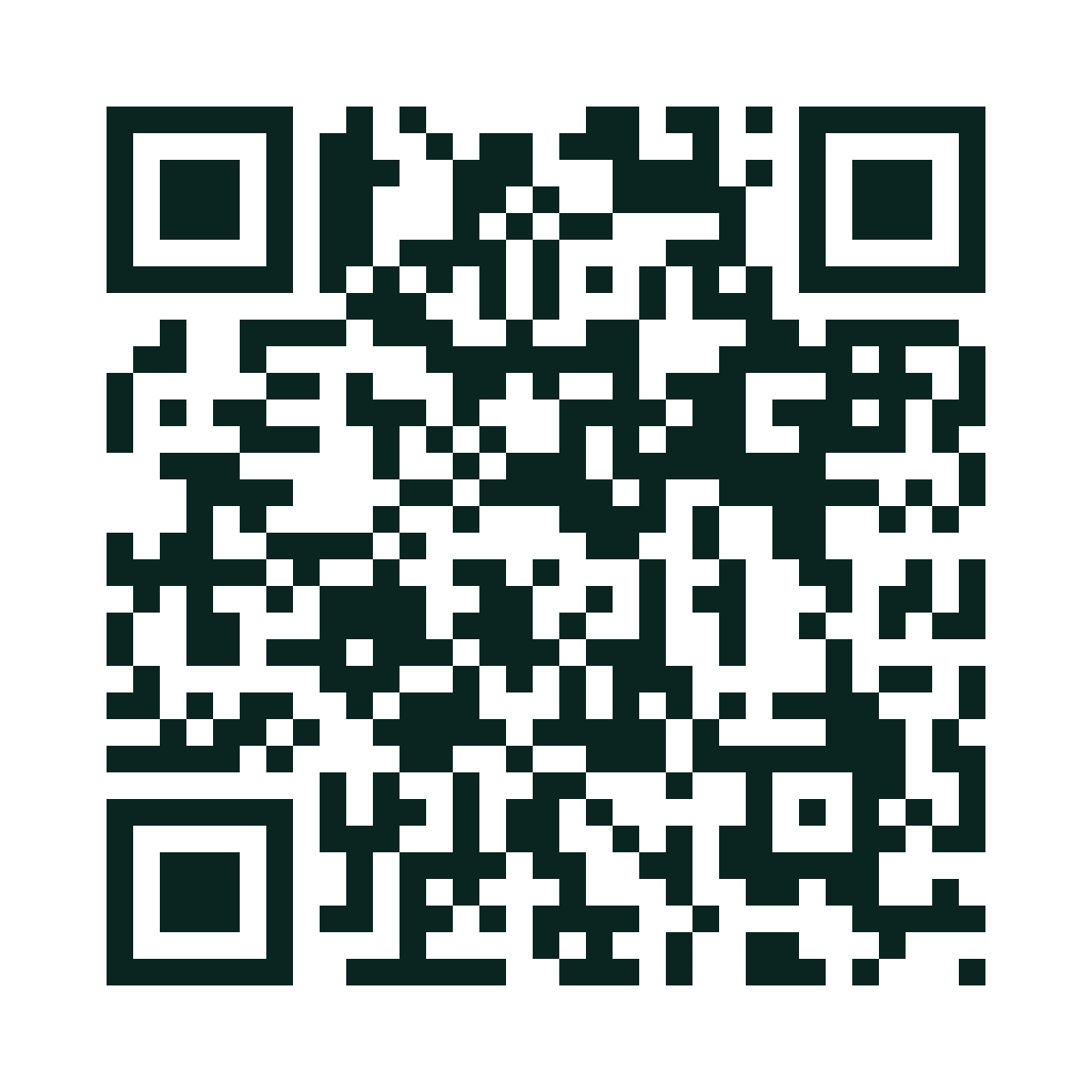
Scan to install
kolothtraders.com/app
Use the downloaded code on business cards, brochures, cartons or WhatsApp — it always takes buyers to this install page.